
Build your gym
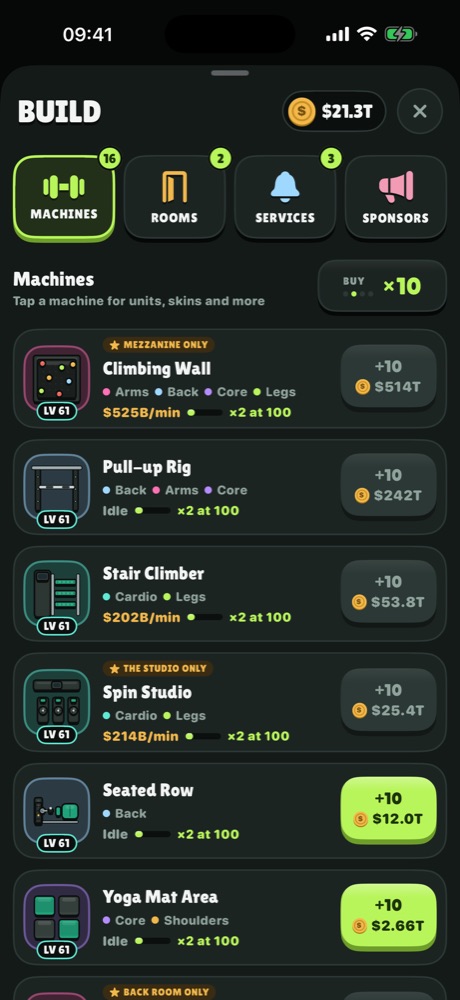
- Treadmills, racks, cable stations and 60 more machines.
- Thirteen rooms, from the Shopfront to the Leg Dungeon.
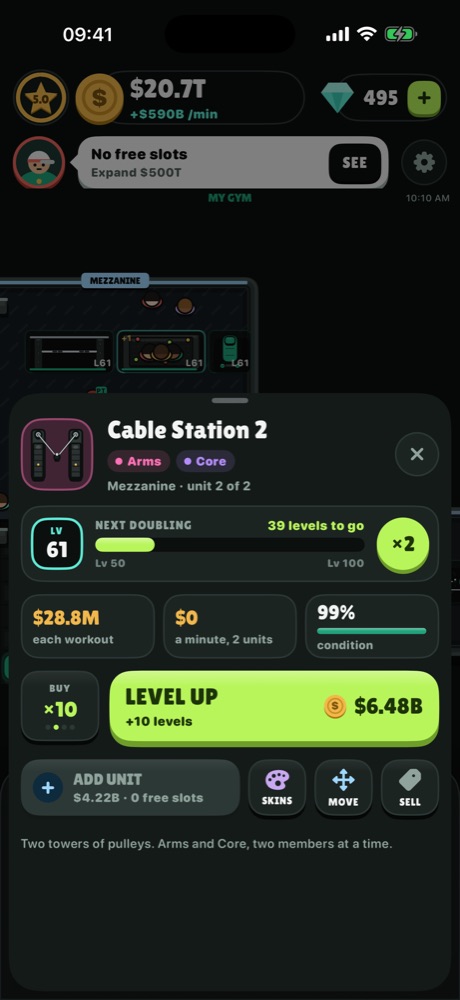
- Level machines up and drag them around the floor.
 MUSCLE MONEY
Idle Gym Tycoon for iPhone
Own a gym. Fill it with machines. Watch the money roll in.
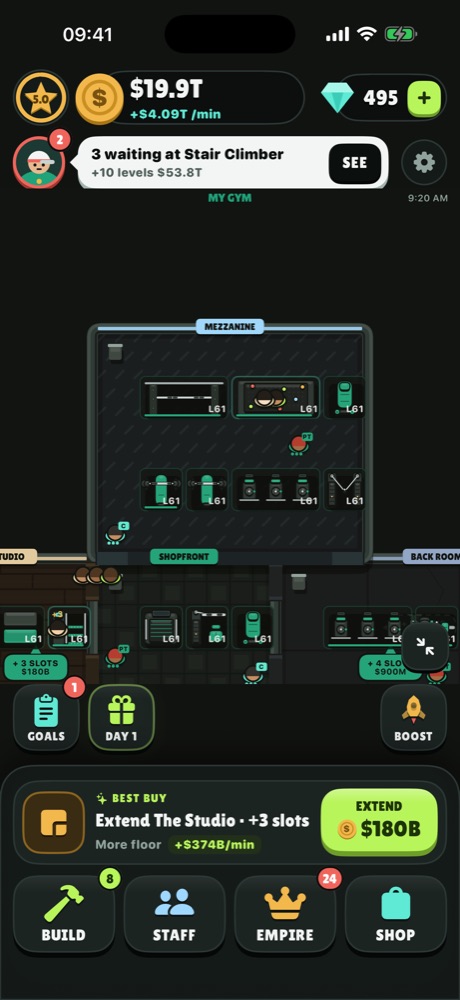
Every member walks in with a workout plan. Cover their muscle groups, keep a machine free for them, and fit it all on the floor. Get it right and the cash counter never stops.
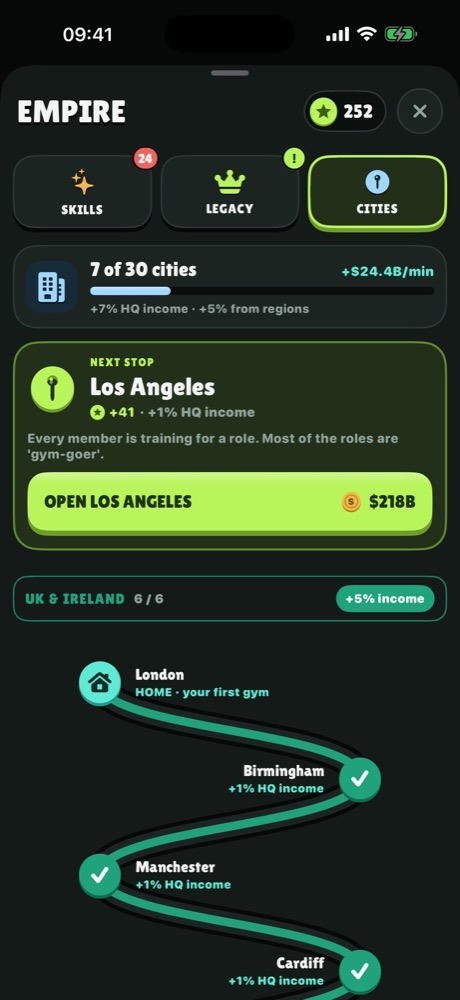
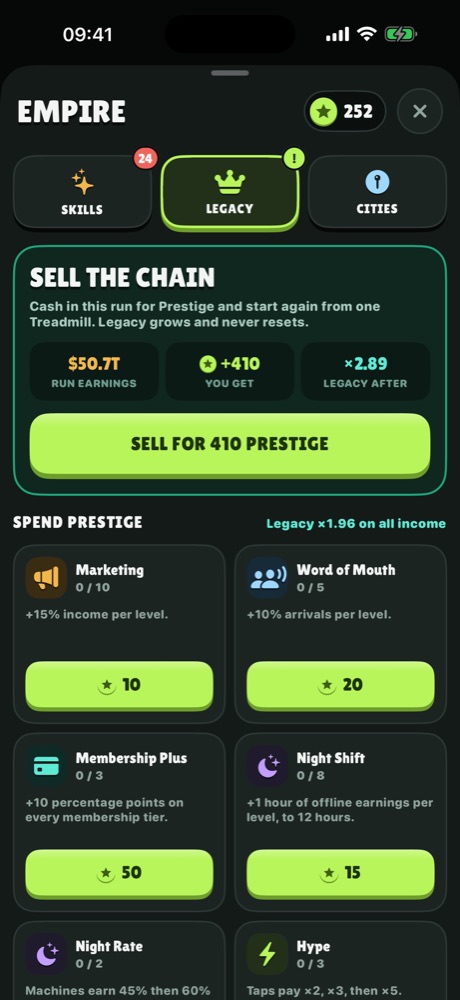
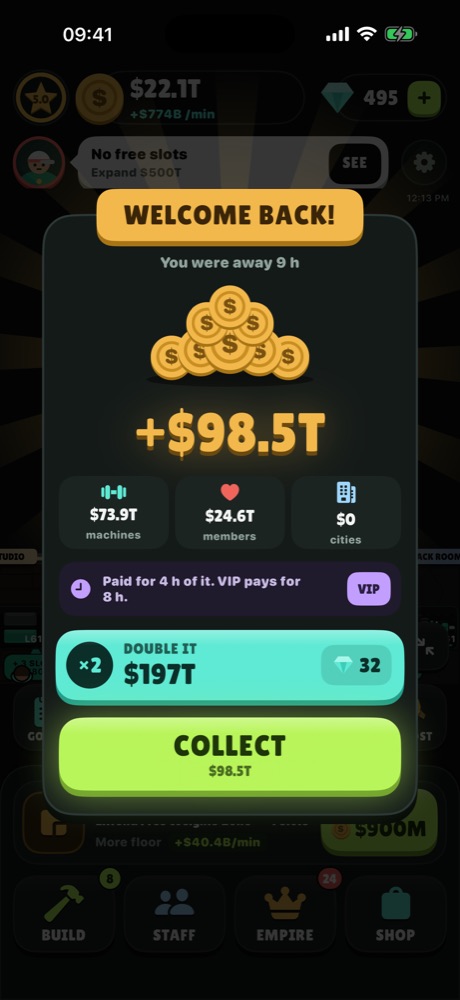
One screen, the gym floor, with everything a tap away.
Answers to the usual questions. If yours is not here, write to us.
Yes. The whole game is free to play. Optional in-app purchases add gems and extras, and the VIP Club is an optional monthly subscription.
No. There are no ads in the game, and none that you can pay to remove.
No. There is no sign-in. The game plays fully offline. Purchases need a connection to the App Store at the moment you buy.
Your gym is saved on your device and mirrored to your own iCloud account. Sign in to the same Apple Account on the new device, with iCloud turned on, and install the game. It picks up your gym on first launch.
Open the game, tap the gear icon, then Restore Purchases. One-time purchases and an active VIP Club come back. Gems that were already spent do not.
In iOS, open Settings, tap your name, then Subscriptions, then Muscle Money. Cancel at least 24 hours before the renewal date. Your benefits last to the end of the paid month.
Apple handles every payment, so Apple handles refunds. Request one at reportaproblem.apple.com.
Tell us your iPhone model, iOS version and what happened. A screenshot helps.